- The Cap
- Posts
- If your shoulders are up by your ears, same.
If your shoulders are up by your ears, same.
Also: YouTube Shorts limits are here.
Hey friend, we want to check and see how you’re doing…like really doing.
If your shoulders are up around your ears right now, same. Parenting has never been simple, but 2026 is really out here proving that keeping our kids safe online is a full-time job on top of the actual full-time job. The world feels loud and a little scary, and some days it’s hard to know what’s “normal messy” and what needs action.
Here’s the reminder we’re giving ourselves (and you): you are not alone. None of us has this all figured out. We’re all doing our best with the information we have, the sleep we got (or didn’t), and the kids we love more than life. We can do hard things, together.
—Cat & Nat


YouTube’s new parental controls

YouTube just gave parents a new way to tame that endless swipe: you can set daily time limits specifically for Shorts on supervised teen accounts, add Take a break nudges, and set a Bedtime so the app respects lights-out. A zero-minute option to block Shorts entirely is rolling out, too. The idea is simple: instead of fighting the whole platform, cap the stickiest part and make the app do some of the boundary-holding for you.
One thing to note here about these new tools is that they only apply if your teen is logged into a supervised account. Once they log out, all of these permissions go away. So this is an important reminder that not all safety tech and tools are foolproof or enough to set it and forget it. You have to stay involved.
What to do right now:
Create/confirm supervision with Google Family Link (mobile app or web): In Family Link, go to your child’s profile → Controls → YouTube to enable the supervised experience.
On your child’s devices, update YouTube and sign in with their supervised Google account.
Back in your YouTube (parent) app, go to You → Settings → Family Center and finish the settings above (Shorts limit, Bedtime, Take a break, content level).
Then:
Set a Shorts daily time limit
Open the YouTube app signed in as the parent.
Tap You (bottom right) → Settings → Family Center → select your child.
Choose Shorts feed limit and pick a daily cap (the zero-minute option is rolling out).
Turn on Bedtime and Take a break reminders (for your child)
In the same Family Center screen for your child, look for Bedtime and Take a break.
Set a nightly Bedtime window (e.g., 9:00 pm–7:00 am) and a Take a break interval (e.g., every 30–45 min after school).
Re-check your child’s content level
Family Center → your child → YouTube settings.
Pick the maturity level that fits: Explore / Explore More / Most of YouTube.
The internet is making parents anxious, not kids
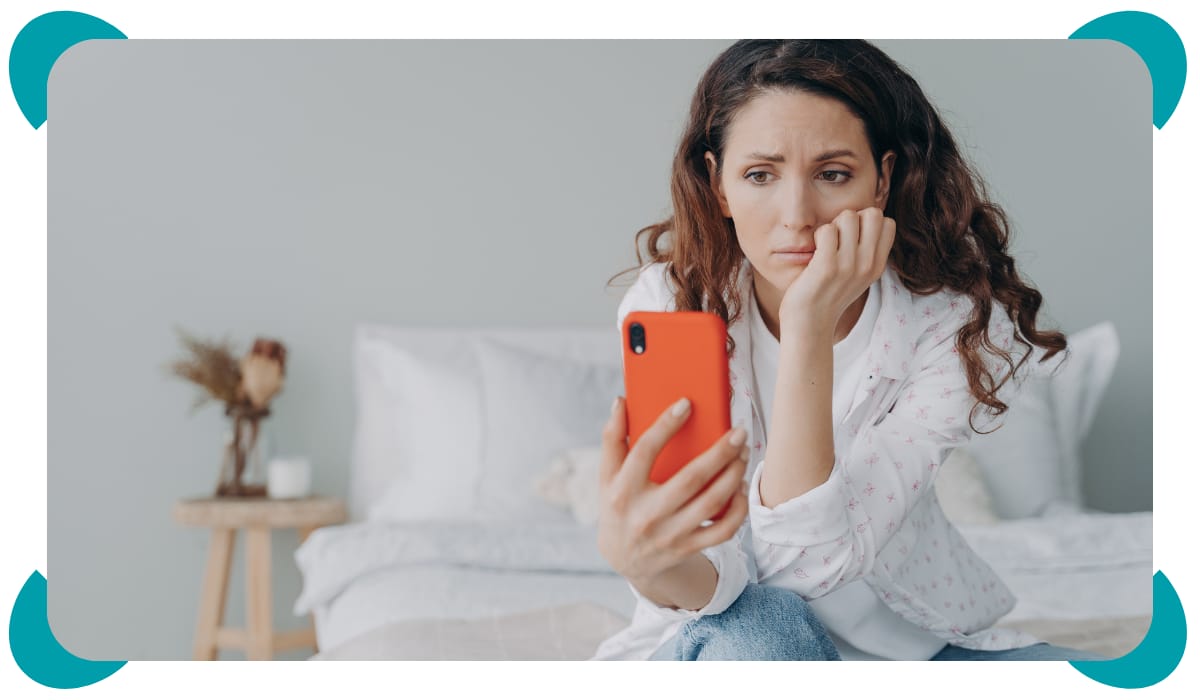
If you’ve ever watched a 30-second reel and suddenly questioned every choice you’ve made since 2012… you’re not alone. The online “how to parent perfectly” firehose is loud, prescriptive, and often contradictory. You try to do all the things (sleep schedules, chore charts, healthy food, “no screens ever” (lol)) and instead of feeling calm, you feel like you’re failing. A new article by Dr. Anuradha Vinod puts words to it: we’re drowning in tips and losing sight of the actual kid in front of us. She added, “Parenting loses its beauty when too much online information begins to dilute it.” Translation: a little guidance is helpful; nonstop noise steals the joy and your instincts. Same goes for our kids. When every feed tells them who to be, what to buy, and how to look, childhood starts to feel like a performance instead of a life.
So, let’s name it out loud and team up with them. We’ll use the internet as a tool, not a ruler and we’ll teach our kids to do the same. That means we curate, not consume; we pause, not panic; we choose what earns our time and what doesn’t. We don’t have to do this perfectly (promise). We just have to do it together.
Takeaways you can use tonight
Mute the megaphone: Snooze 3 accounts that spike your stress for 24 hours; note how your shoulders drop.
Pick one thing, not ten: Decide the one tweak your child needs this week (earlier bedtime? calmer after-school window?) and ignore the rest.
Reality over reels: If a post makes you panic, it’s probably marketing. Gut-check with a trusted resource before you overhaul your routine.
Tune into your kid: Watch their cues more than your feed. What helps them settle, focus, laugh? That’s the data that matters.

With kids literally heading off to university this year, the job is twofold: keep them safe now and teach them how to keep themselves safe when they’re on their own. We’ve tried allll the things over the years, and honestly, the Screen Sense Guide is the one we wish we had sooner. It’s the calm, step-by-step path from training wheels to road-ready.
What we’re doing at home this month (steal it!):
YouTube tune-up with supervised settings + Shorts limits that match house rules.
Self-management drills: one week of tracking “What helps me focus? What derails me?” and adjusting timers/notifications accordingly.
Uni-ready checklist from Screen Sense: privacy basics, scam spotting, group-chat boundaries, and a plan for sleep/notifications during exam weeks.
It’s all about progress and partnership over here, never perfection. Set the guardrails today and achieve a fine-tuned balance in the future. You’ve got this!
Catch you next week!
—Cat & Nat
