- The Cap
- Posts
- If your kid plays Roblox, read this one
If your kid plays Roblox, read this one
Plus: 4 sketchy apps you should know about
Hey Friends!
We're back. Just home from a beautiful trip to Club Med Michès Playa Esmeralda and oh my goodness, it was divine. Pool days, ocean swims, that very specific brand of vacation tired. And then we walked back through the front door at home and reality hit us like a freight train.
Because one of our oldest just got their driver's license over the weekend. WHAT? Excuse us, but when did this happen? Yesterday they were learning to ride a bike in the driveway. Now we're riding shotgun while THEY drive US around? Surreal and terrifying and also kind of incredible. We don't really know how to feel about this phase yet, but here we are. Literally just buckling up.
Speaking of buckling up. There's a lot happening in the digital parenting world this week, and we want to make sure you're caught up. Read below for the scoop.


Roblox is splitting kids' accounts into two age tiers with different permissions for each
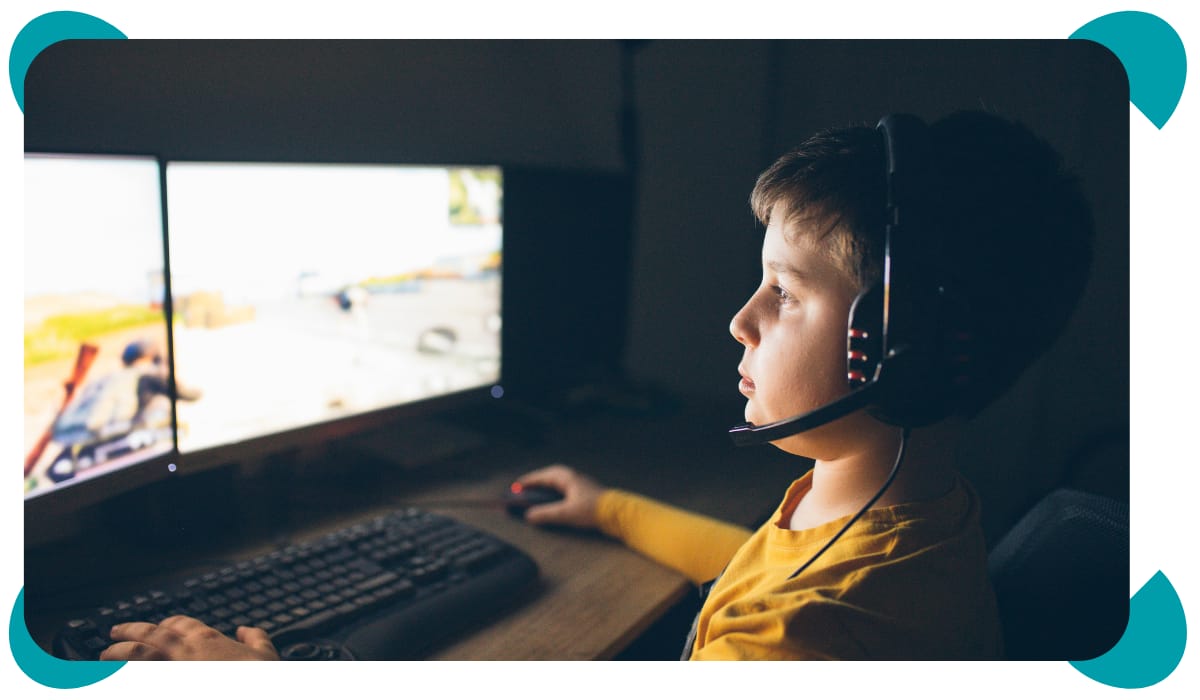
Starting in early June, Roblox will be rolling out two brand-new account types specifically for younger users. Roblox Kids will be assigned to anyone aged 5 to 8, and Roblox Select will cover ages 9 to 15. The Kids accounts will only allow access to games rated Minimal or Mild, and chat will be turned off by default. This means your seven-year-old can't message strangers unless you specifically approve who they can talk to. The Select accounts go a little further, allowing chat with peers in a similar age group and access to games up to Moderate maturity. Once kids hit 16, they roll into a standard account with full access.
This news comes on the heels of last week’s $12 million settlement between Roblox and the state of Nevada over child safety practices. There are now 146 child sexual exploitation cases consolidated in federal court. So these new account tiers are not Roblox waking up one morning and deciding to be more responsible. They are a direct response to enormous legal and regulatory pressure.
We have to be honest with you here… Roblox can be a dangerous place for kids, even with the most settings in place. Its tech and we now know we can’t trust it completely. We're cautiously hopeful, but we are not letting our guard down. There have already been reports of kids tricking the age-check system using modified screenshots. The new tiers are a real improvement, but they're not a fix.
What you can do this week: log into Roblox on your kid's device, open the parent dashboard, and check that screen time limits, spending limits, and chat restrictions are actually set the way you want. If you've never done this before, we walk through every setting screen-by-screen in our Roblox Guide so you don't have to figure it out alone.
There's a fresh dangerous apps list out and parents need to pay attention

SafeWise dropped its updated 2026 list of apps parents need to watch for, and the names on it might surprise you.
UpScrolled launched last June and brands itself as censorship-free social media.
C2 Live is a livestream app that arrived in December.
PovChat AI is a roleplay platform where users have intimate, often mature conversations with AI characters.
Clapper, another self-described uncensored platform, just crossed the one million user mark.
There’s a lot of apps shown on the list, so take some time to read through when you have time, but here’s what we want to leave you with on this topic…Apps are launching faster than parents can possibly track them and way faster than parental controls can catch up. Trying to keep a running list of bad or unsafe apps in your head is a losing game. The fix isn't whack-a-mole on app names. The fix is locking down the actual device so nothing new can be downloaded without your approval. On iPhone, that means turning on Ask to Buy and tightening Content & Privacy Restrictions. On Android, it's setting up Google Family Link properly. Once those are in place, you don't need to know every app's name off the cuff. Your kid won’t be able to install a single one without you saying yes. This gives you time to research, have conversations, and make the right decision for your kid.
That's the difference between playing defense against an army and building a wall. We recommend starting with the wall. If you need help going deeper into your child’s device settings, we’ve got you with the Screen Sense Guide. Learn more about everything it offers here.

We wanted to check in… How are you doing this week? The news in the digital world can feel heavy. Some weeks it feels like everything is moving faster than we can keep up, and like we’re supposed to know more than we do.
So just take a second and check in with yourself. Are you feeling overwhelmed? A little behind? Like you’re missing something important? It’s so normal and you’re not alone.
The thing that keeps us going is reminding ourselves that we don’t have to know everything. We just have to do the next right thing for your family. Even if its just having one honest, maybe slightly awkward conversation with your kid this week. That’s enough. Just stay present and stay in it. Be gentle with yourself, friends. The internet is moving fast and we’re all just trying to keep up, and you’re likely doing better than you think.
We’re cheering for you over here. Now if you’ll excuse us, we’re off to practice not gripping the passenger door handle while our teenager parallel parks.
—Cat & Nat
